Troubleshooting
Internet Down? How an AI Network Administrator Finds the Cause
Published November 16, 2026 • 6 min read
When the internet stops, everyone asks the same question: is it us or the provider? Usually nobody knows, so you restart the router and hope.
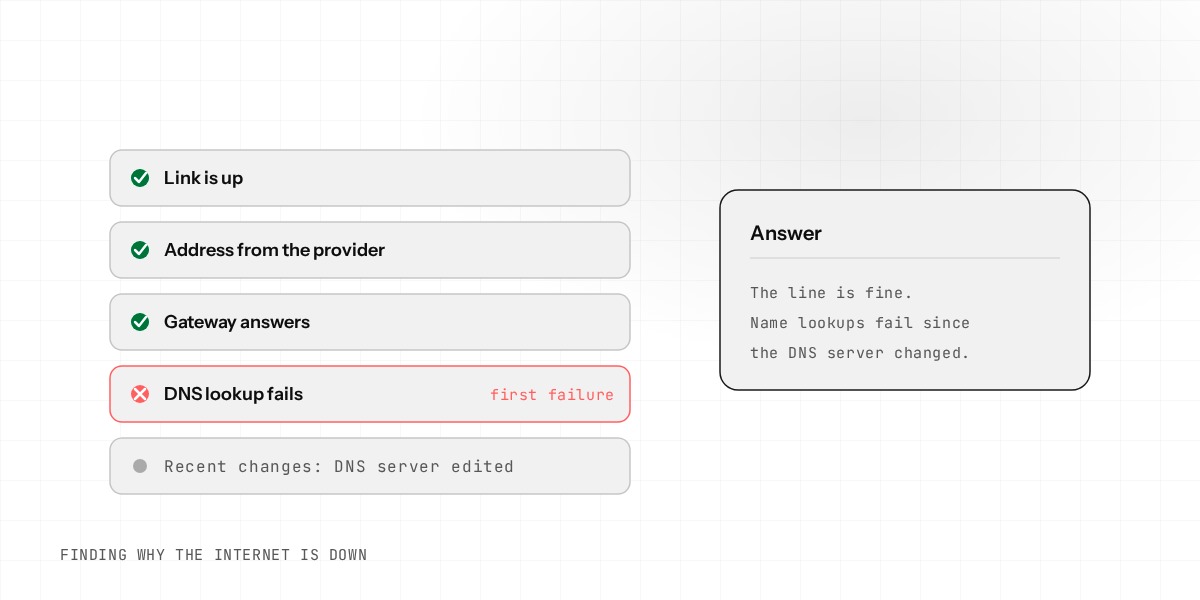
Finding the cause is a short list of checks, in a fixed order. A person can do it, but it is slow when everyone is waiting. An AI network administrator runs the same checks in seconds and reports the first one that fails.
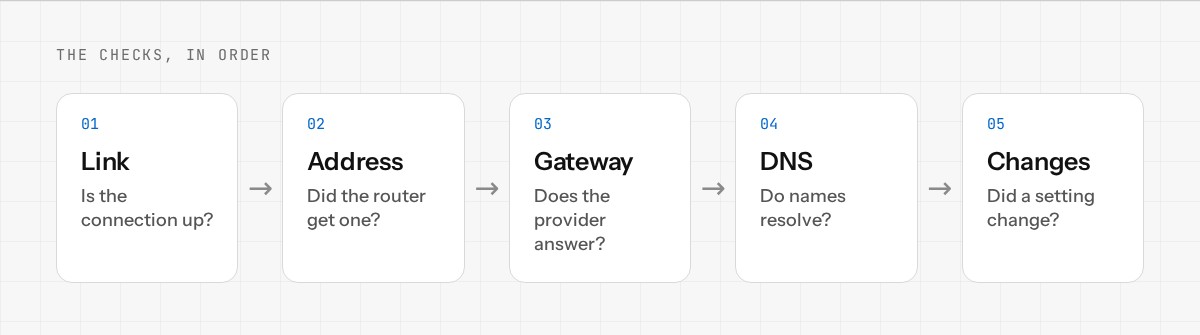
The checks, in order
1. Is the link up?
Is the cable or the connection to the provider physically connected? If not, nothing else matters.
2. Do we have an address?
Did the router get an address from the provider? Without one, it has no way onto the internet.
3. Does the gateway answer?
Is the provider's equipment, the first step beyond your router, reachable? If it is not, the problem is on the provider's side.
4. Does DNS work?
Can the router turn a website name into an address? If the gateway answers but DNS does not, the problem is the name lookup, not the line.
5. Did something change?
Was a setting changed recently? A change made yesterday can break things today.
Why the order matters
Each check rules out a group of causes. If the link is down, there is no point reading DNS settings. If the gateway answers and DNS fails, you do not need to call the provider about the line. Following the order means the first failure is the one to fix.
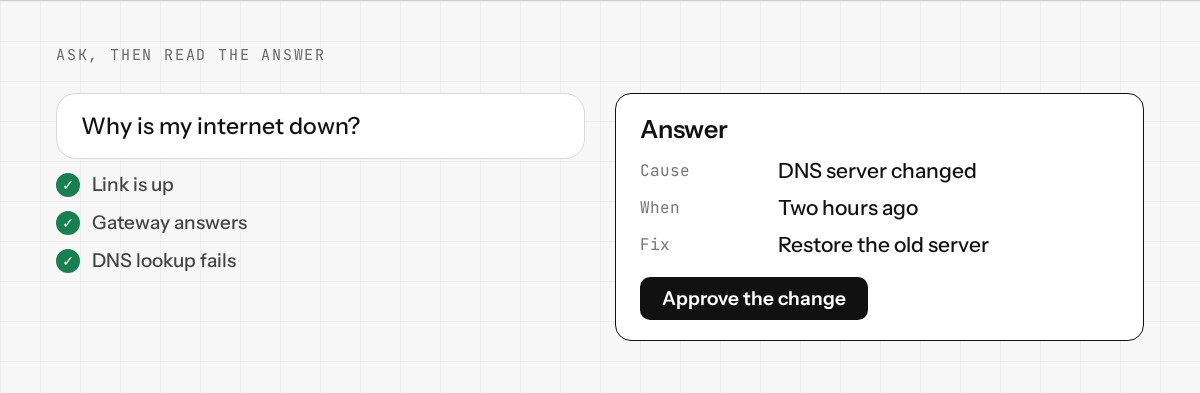
What Enwigate AI does with it
You ask "why is my internet down?" It runs the same local checks the router already has: interface status, gateway reachability, name lookups and recent configuration changes. It also looks at the history of the internet connection, so it can tell a brief drop from one that keeps repeating.
The checks themselves run on the router and do not need the internet. The router's own Network Health checklist shows the same results on its dashboard, even when the internet is down. The AI chat is different: it needs the router to be connected to the internet and to your Enwigate account, so when the line is completely down, use that checklist and ask the AI again once you are back online.
You see each check as it runs, then a plain answer. For example: the link is up and the gateway answers, but name lookups fail, and the DNS server was changed two hours ago.
From cause to fix
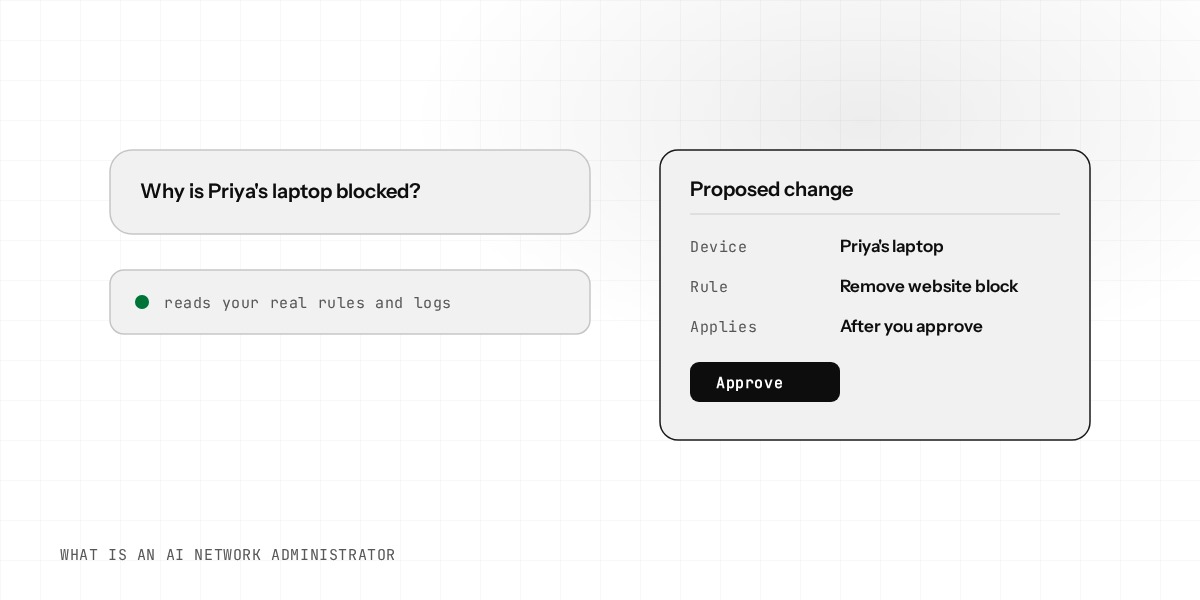
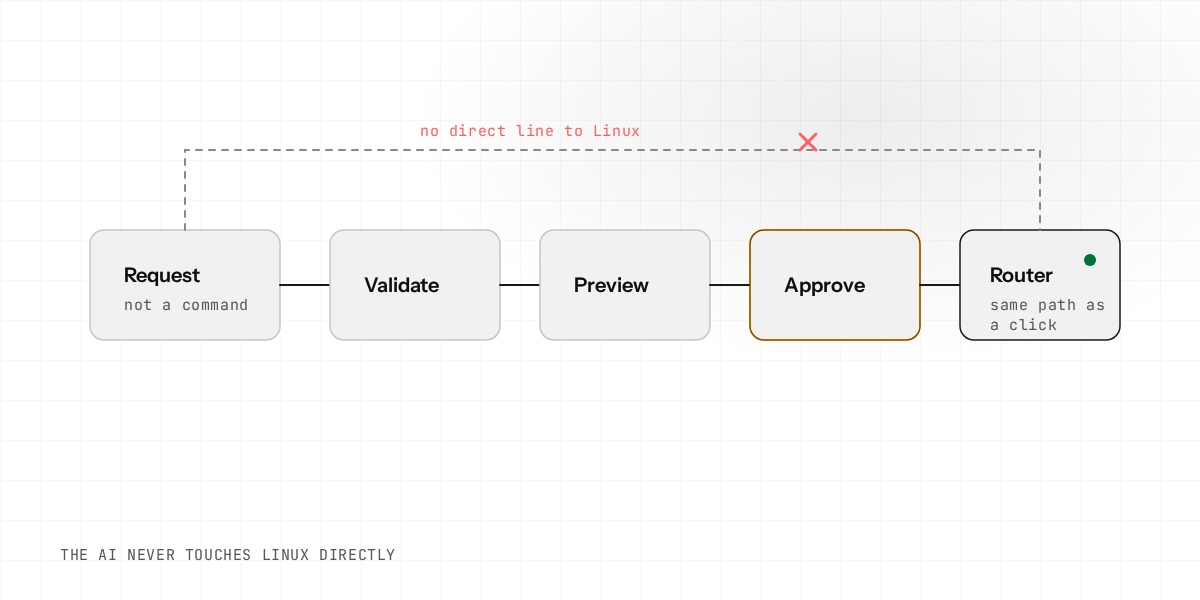
Finding the cause is half of it. If the fix is a change to your settings, the AI proposes it and shows you the exact change. Because a DNS or internet connection change could cut you off, it waits for your approval, and the router saves a backup of its settings first. If the fix is on the provider's side, the AI says so, and you know what to tell them.
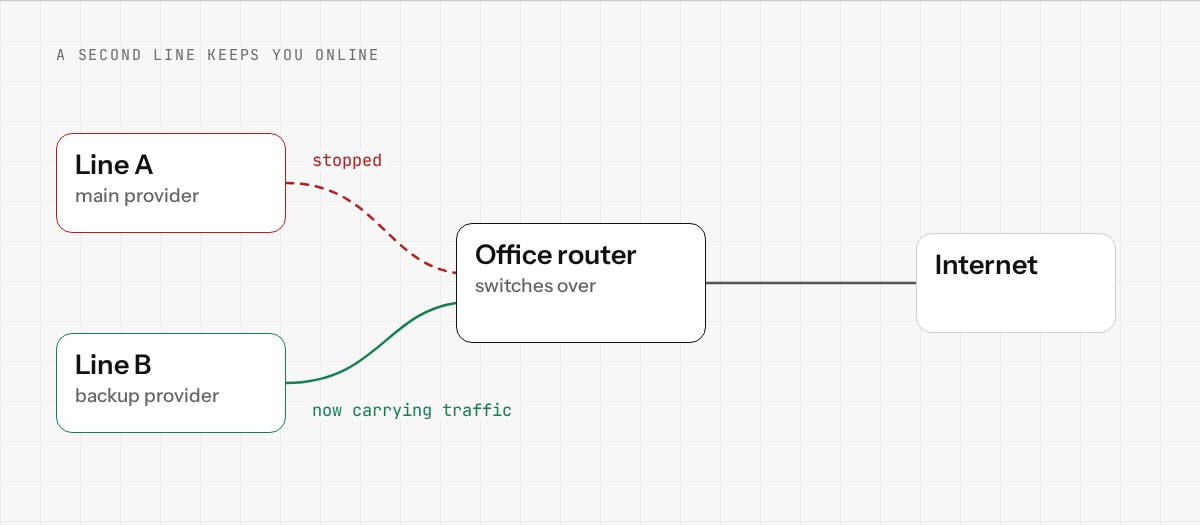
When a second line saves the day
A provider fault is the one thing you cannot fix from the office. A backup internet line is the answer. Enwigate OS supports two lines, primary and backup, and can switch over when the first fails and switch back when it returns. See dual-WAN failover explained for how it works.
What it cannot do
It cannot fix a cable that is unplugged or a provider outage. It does not guess. If it cannot find the cause from the router's own checks, it says that, and shows you what it checked.
See what else Enwigate AI can do. Join the early access, or read about dual-WAN failover.