AI Network Administrator
What Is an AI Network Administrator?
Published November 16, 2026 • 7 min read
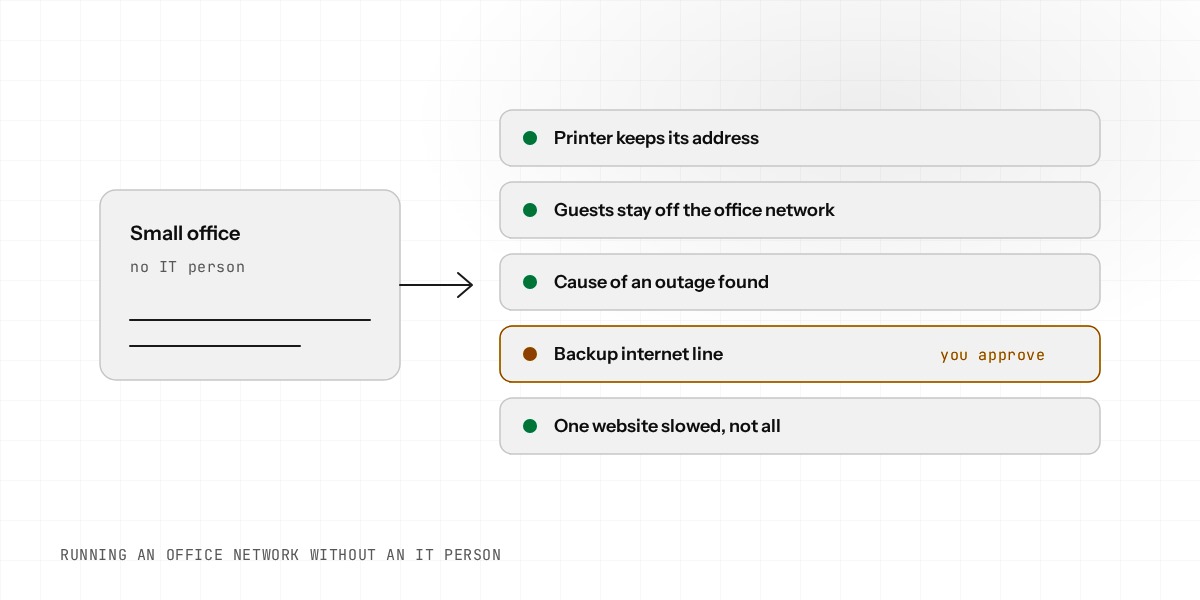
A network administrator is the person who keeps the internet working, decides who can reach what, and fixes things when they break. In most small offices that person does not exist. The job lands on whoever is least afraid of the router.
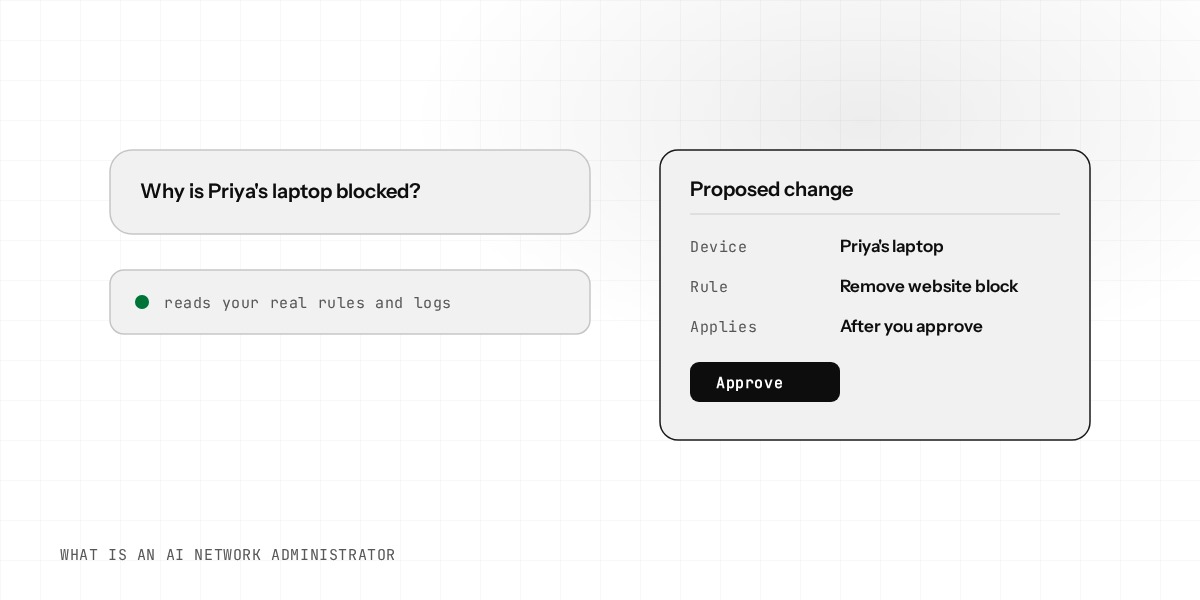
An AI network administrator takes over the routine part of that job. You ask for something in plain English. It looks at the real state of your router, works out what to change, shows you the change, and applies it once you approve.
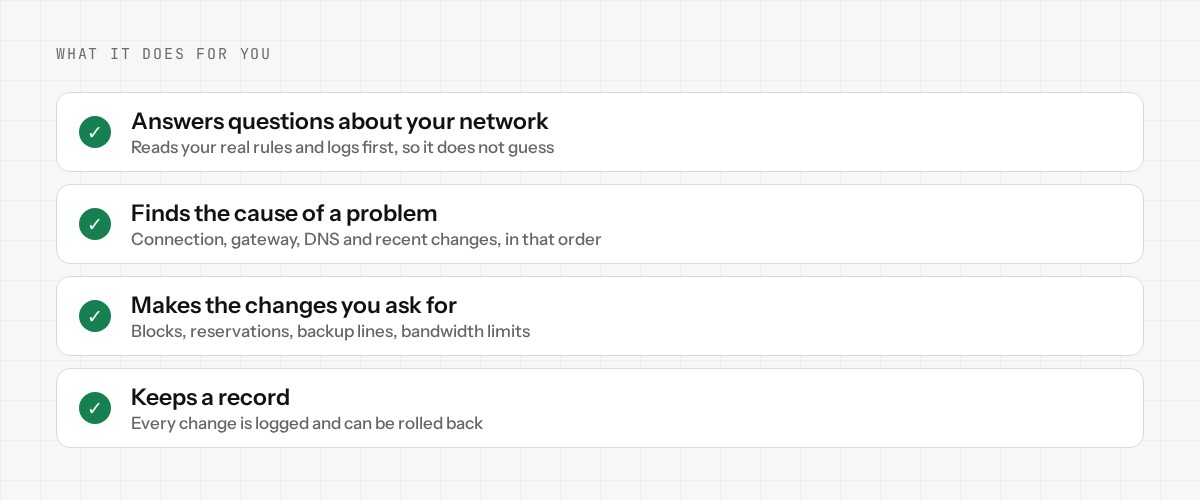
What it actually does
- •Answers questions about your network. Which device is using the most data, why a website is blocked, what a firewall rule means. It reads the real rules and logs first, so it does not guess.
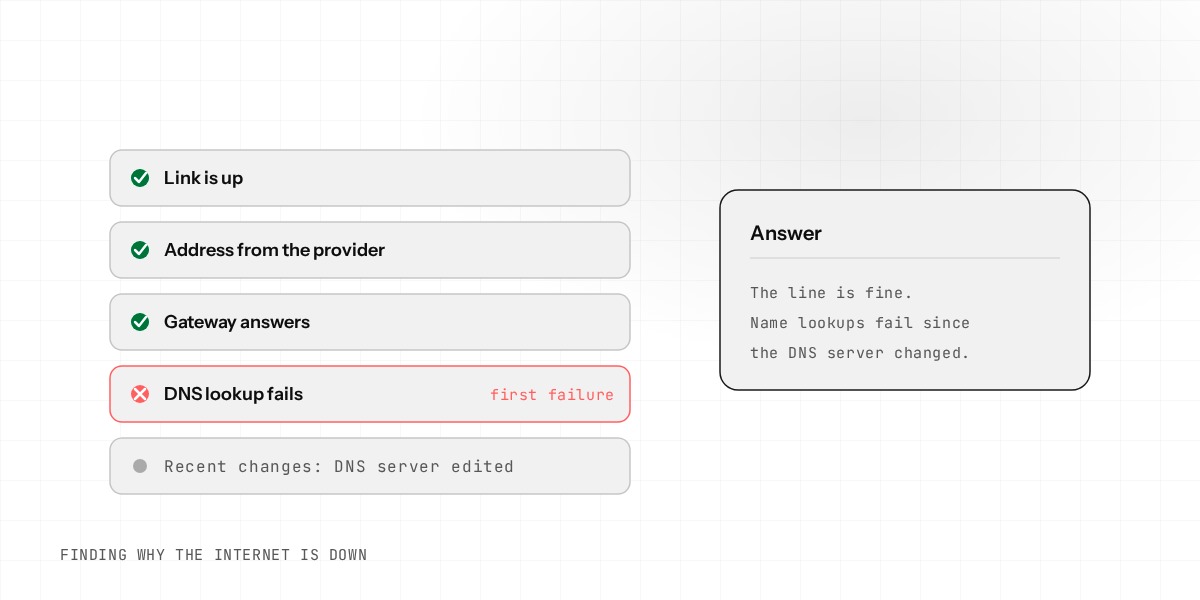
- •Finds the cause of a problem. If the internet is down it checks the connection, the gateway, DNS and recent changes, and tells you which one is wrong.
- •Makes changes you ask for. Block a website, reserve an address for a printer, add a backup internet line, limit how much bandwidth one website can use.
- •Keeps a record. Every change is logged, and changes can be rolled back.
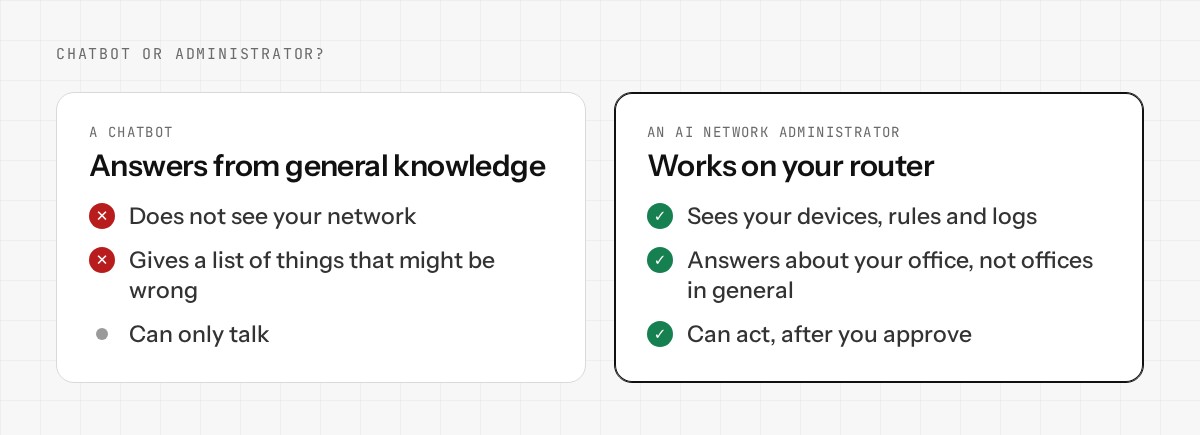
How it differs from a chatbot
A chatbot answers from general knowledge. It does not know your network. If you ask it why your internet is slow, it gives you a list of things that might be wrong on anyone's network.
An AI network administrator is connected to your router. It sees your devices, your rules, your connection history and your logs. The answer is about your office, not offices in general.
There is a second difference. A chatbot can only talk. An administrator can act, which is why the safety design matters more than the AI itself.
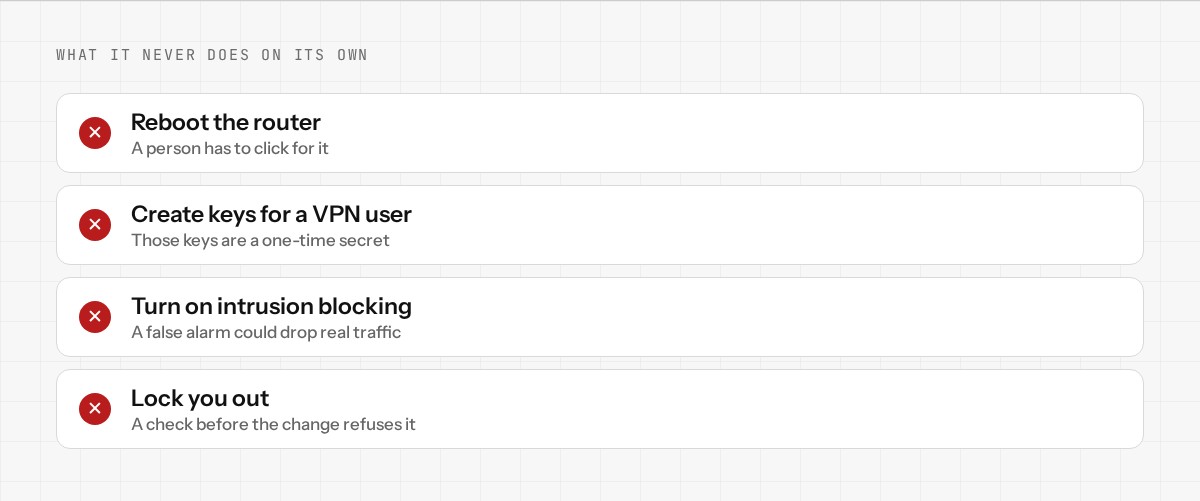
What it should never do on its own
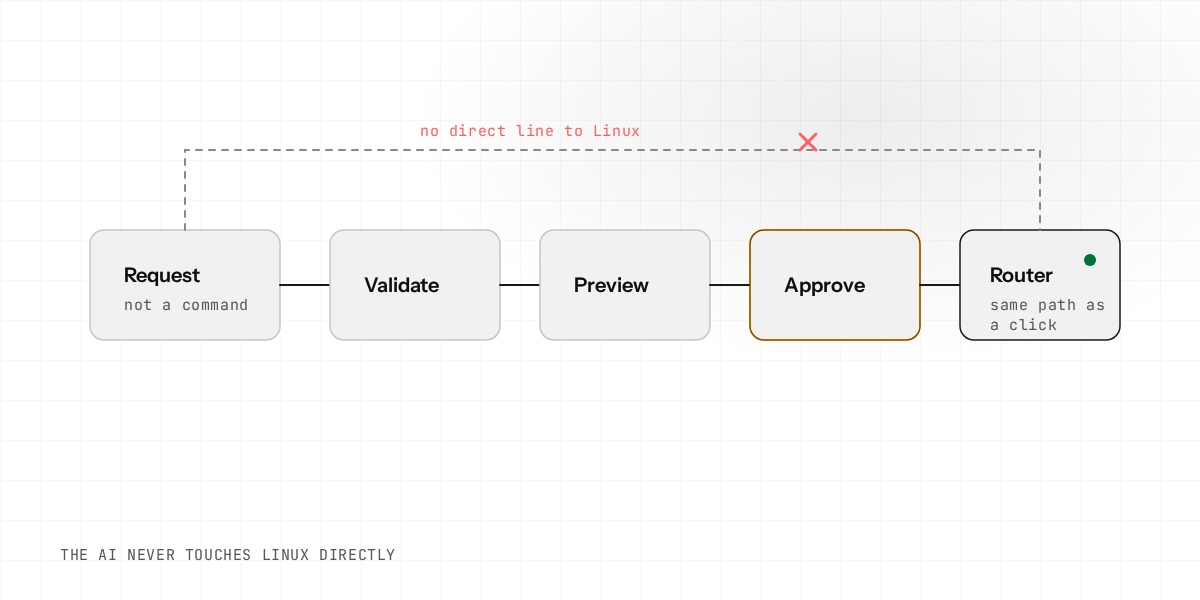
Giving an AI control of a router is only sensible if the control is limited. At Enwigate the AI never touches Linux and never edits files. It can only send the same structured request that a click on the dashboard would send. That request goes through the same checks as any manual change.
- •It cannot reboot the router. That needs a real click from a person.
- •It cannot create the keys for a new VPN user.
- •It cannot switch intrusion prevention to blocking mode, because a false alarm could cut off legitimate traffic.
- •It cannot make a change that locks you out of your own router.
Changes that could break your connection, such as the internet line, the VPN or the firewall zones, always wait for your approval, and the router takes a backup of its settings first. Low-risk changes, such as blocking a website or reserving an address for a printer, apply straight away and can be undone.
What a request looks like
You ask
"Priya in Accounts cannot open the payroll website. What is blocking it?"
It checks
It finds her laptop, reads the rules that apply to it and the website blocks for the whole office.
It shows you
The exact rule that matches, in plain words, and what removing it would change.
You approve
Nothing changes until you say so, and the change is logged.
Who it is for
It suits offices where nobody is a network expert: a clinic, a small firm, a shop with a few staff. It also suits an IT contractor who looks after several small offices and wants a faster way to check each one. It does not replace an experienced network engineer in a large organization. It takes the repetitive questions and changes off their desk.
What it needs
Enwigate AI works with Enwigate OS, a router and firewall system that is free. The AI is the only part you pay for, and you pay by use: prepaid credit that is used up as the AI works. There is no monthly plan. The AI needs the router to be connected to the internet and to your Enwigate cloud account. Enwigate is in development and the AI is in early access, so some features are still limited.
Enwigate AI is our AI network administrator, and it is in early access. Join the early access, or read how the safety checks work.