Security & Operations
Why an AI Network Administrator Should Never Touch Linux Directly
Published November 16, 2026 • 7 min read
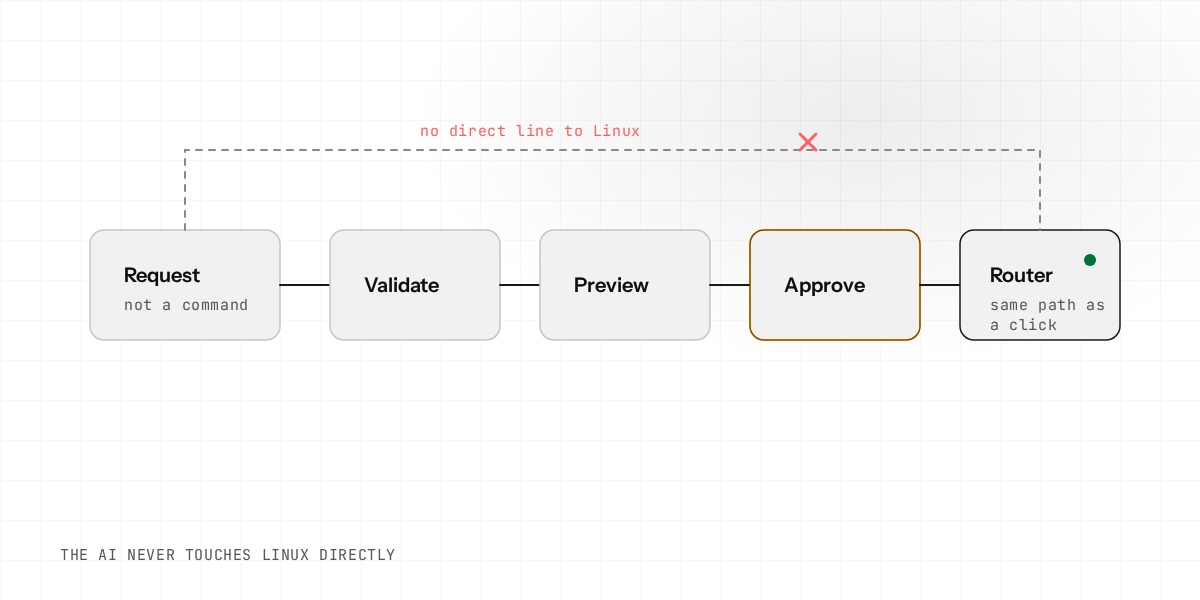
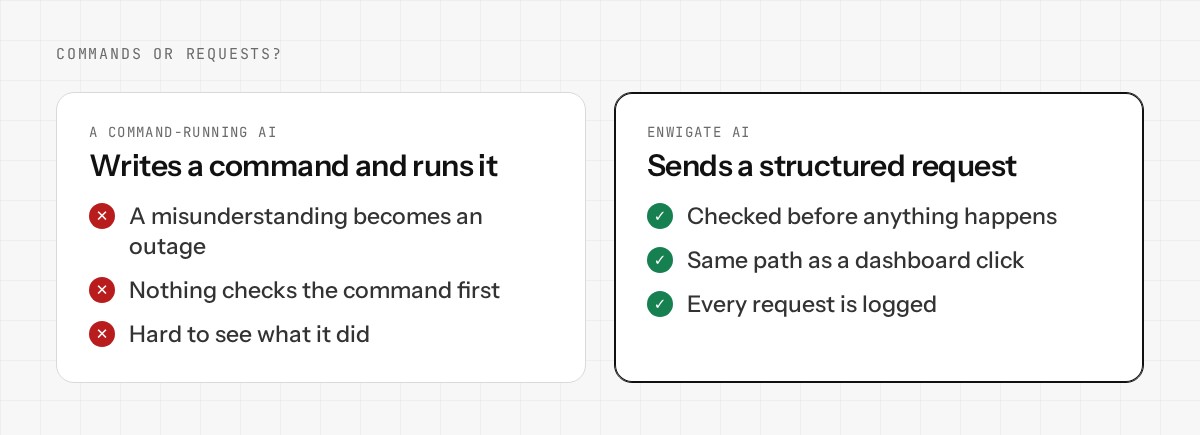
Many AI tools for servers work by writing a command and running it. That is quick to build and risky to use. If the AI misunderstands you, the command still runs.
For a router, that risk is not acceptable. The router is the door between your office and the internet. A wrong command can take the whole office offline, and you may not be able to reach the router to fix it.
The rule: requests, not commands
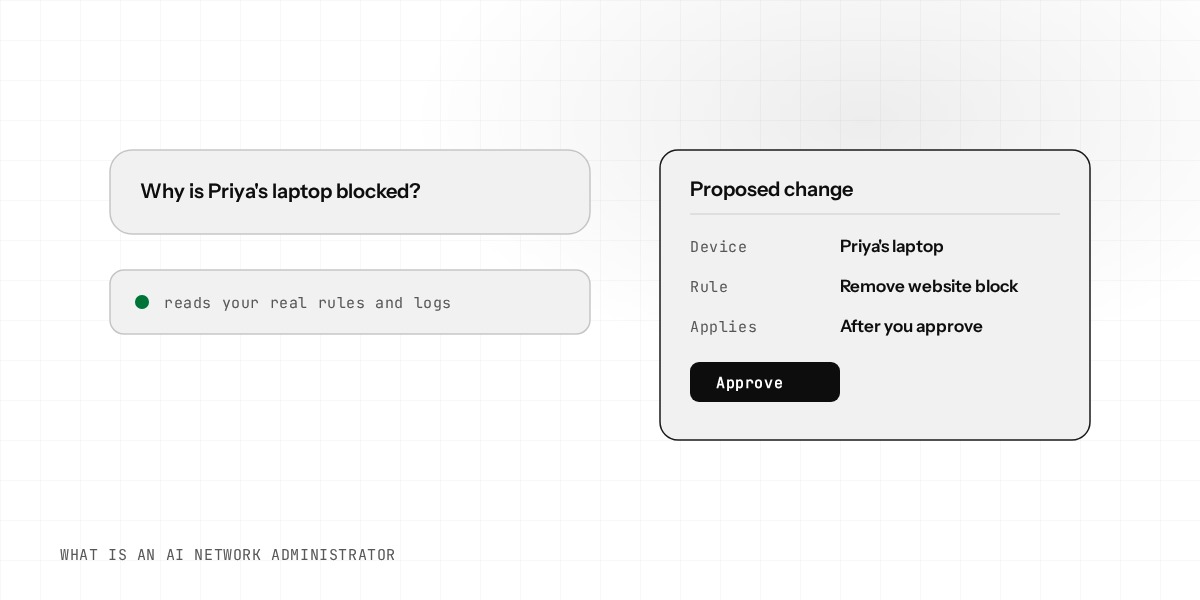
Enwigate AI never runs a command, opens a shell or edits a file on your router. It can only produce a structured request, the same kind a button on the dashboard produces. For example: block this website for this network. A request has a fixed shape, so it can be checked.
The AI is never given a way to do more than the dashboard can do. If a thing cannot be done by a person with the dashboard, the AI cannot do it either.
What happens to every request
1. Validate
The request is checked against the rules for that setting. A bad address or a conflict with an existing setting is refused here.
2. Preview
You see what the change will do, in plain words, before anything is applied.
3. Approve
Changes that could affect your connection wait for you. Low-risk changes apply on their own.
4. Execute
The router applies the change using the same code a dashboard click uses.
5. Roll back
Risky changes get an automatic backup of the settings first, so you can go back.
6. Audit
Every change is recorded with who asked, what changed and when.
Two levels of risk
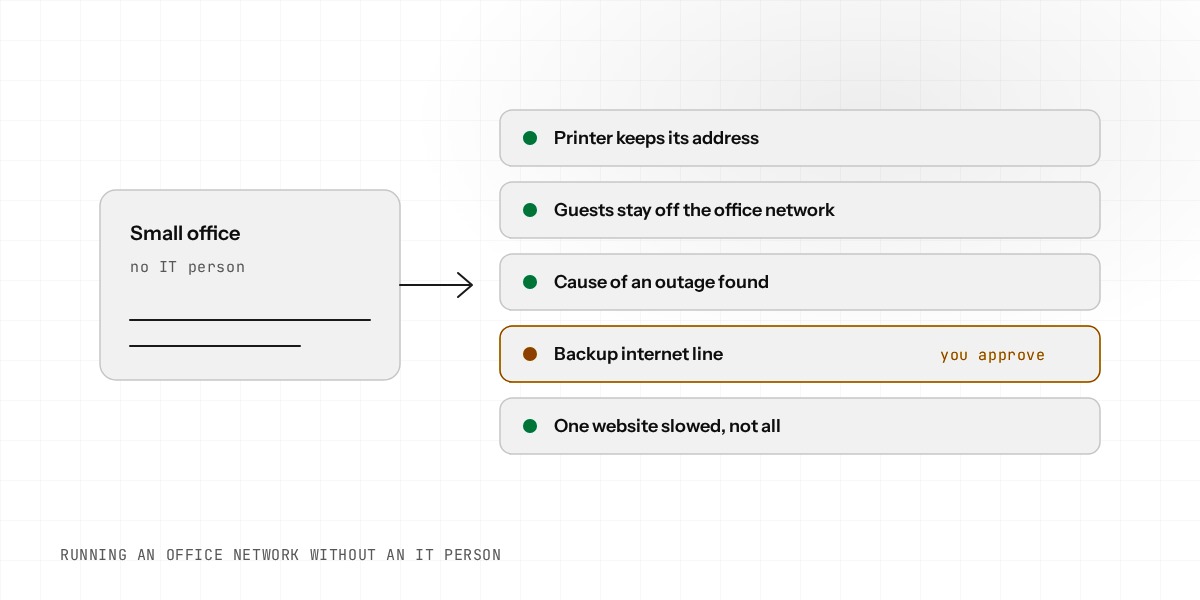
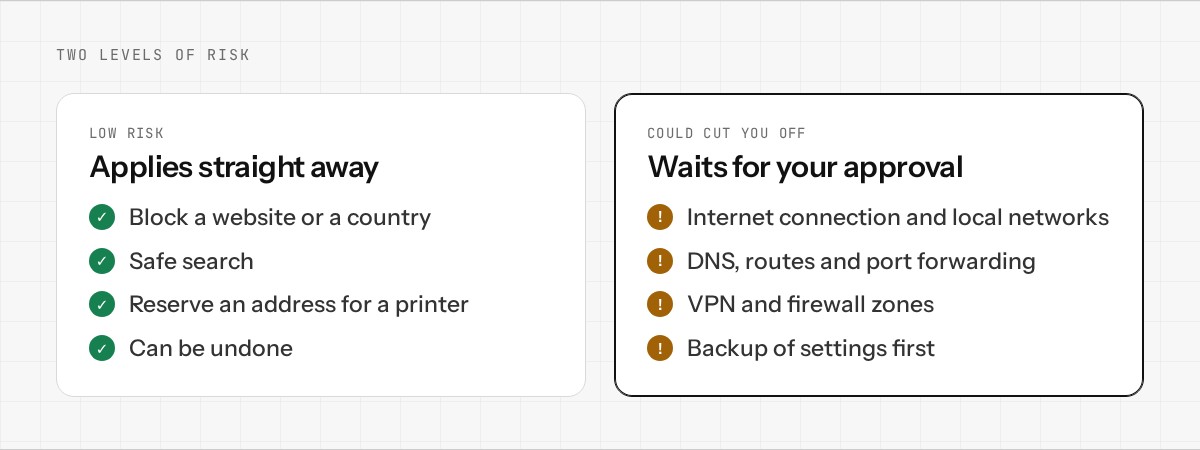
Not every change needs the same care. Blocking a website, blocking a country, turning on safe search, or reserving an address for a printer are low risk. They apply straight away and can be undone.
Changes to the internet connection, the local networks, DNS, routes, port forwarding, the VPN and the firewall zones are different. If one of them is wrong, you can lose access. These always wait for your approval, and the router saves a backup first.
Things the AI cannot do at all
- •Reboot the router. A person has to click for it.
- •Create keys for a VPN user. Those keys are a one-time secret.
- •Turn on intrusion prevention. In blocking mode, a false alarm can drop real traffic, so only a person can switch it on.
- •Lock you out. A check before the change refuses things like blocking the router's own address.
Why a smarter AI does not change this
It is tempting to think a better AI model needs fewer limits. It does not. Even a very good model can misread a request, or be told something false. The limit is not there because the AI is bad. It is there because you should not have to trust any single step.
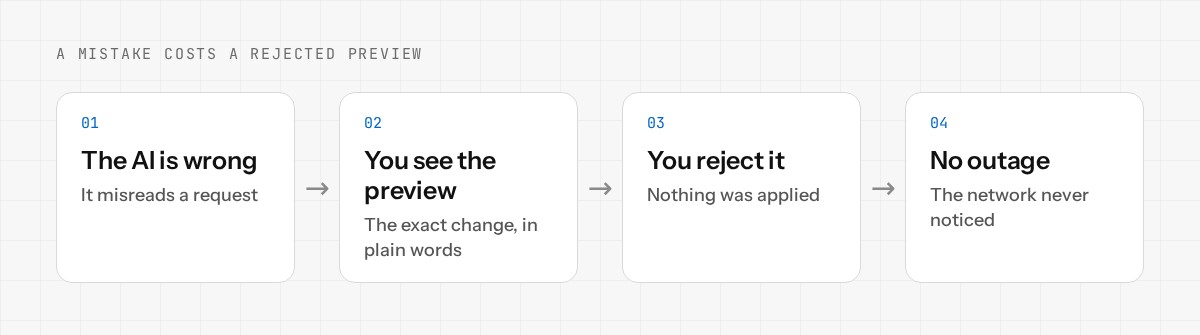
With this design, a mistake costs you a rejected preview, not an outage. You are not betting on the AI being right every time. You are relying on a process you can read.
What you can check yourself
- •Open the pending changes and read the exact change before approving.
- •Open the change log to see what was applied and when.
- •Roll back a change you do not want.
An honest note: Enwigate is still in development and has been tested in virtual machines, not yet across a wide range of real hardware. The design above is the part we will not compromise on.
The full list of guardrails is on our Security and Trust page. To try Enwigate AI on your own network, join the early access.