Network Operations
What Is a Conversational Network Operating System?
Published September 9, 2026 • 6 min read
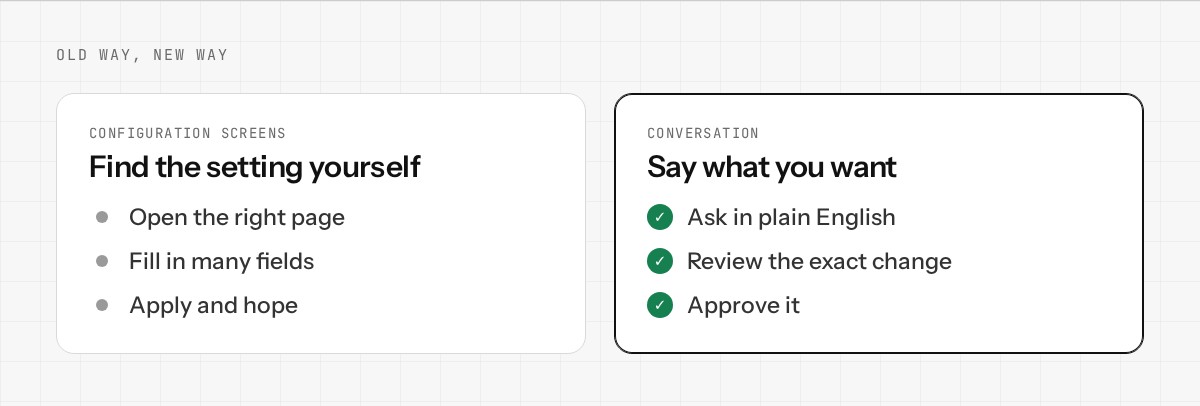
For decades, managing a network meant logging into a web interface, finding the right menu, locating the setting you wanted to change, and hoping you configured it correctly. It's a process designed for the 1990s — screens full of options, little guidance, and plenty of room for misconfiguration.
A conversational network operating system flips that around. Instead of hunting through menus, you describe what you want or what's wrong, and the system proposes the exact change needed. You review it, approve it, and it applies. No guessing, no hidden configuration files, no cryptic error messages.
The Old Way: Configuration Screens
Traditional network operating systems (and firewalls, routers, etc.) ask you to navigate a UI designed in layers. You might need to:
- •Find the correct tab or section
- •Understand the difference between 5 similar-sounding settings
- •Know which fields are required, which optional, which conflict
- •Remember which changes require a reboot
- •Hope that your understanding matches the system's expectations
The New Way: Conversation
A conversational network OS inverts that burden. You say what you want to accomplish in plain English:
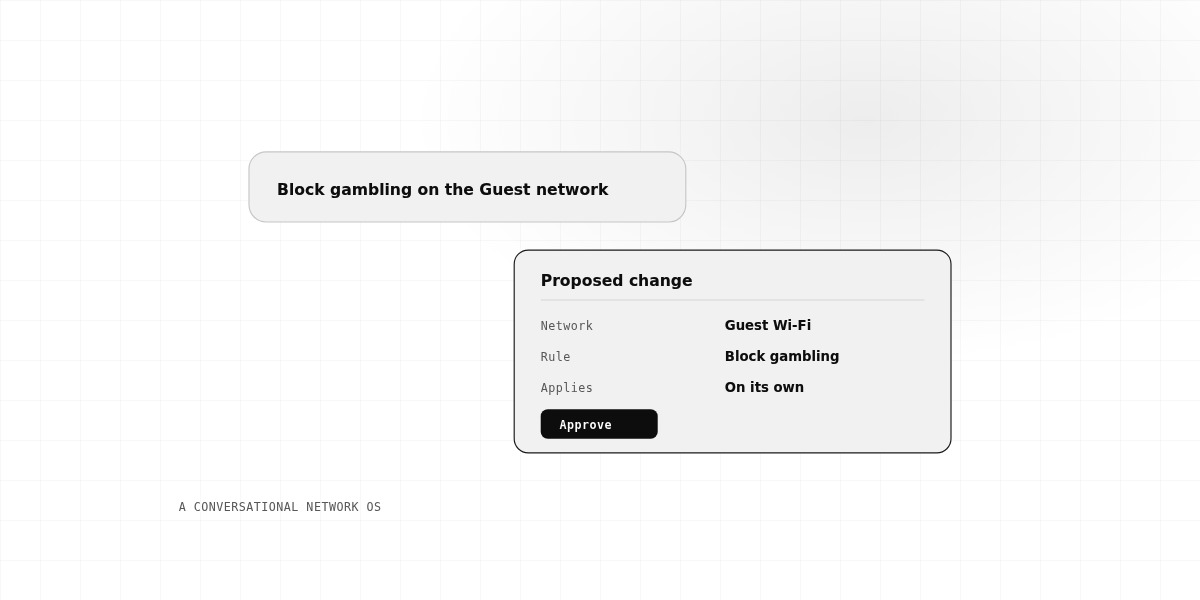
"The guest WiFi network needs to be blocked from accessing the file server."
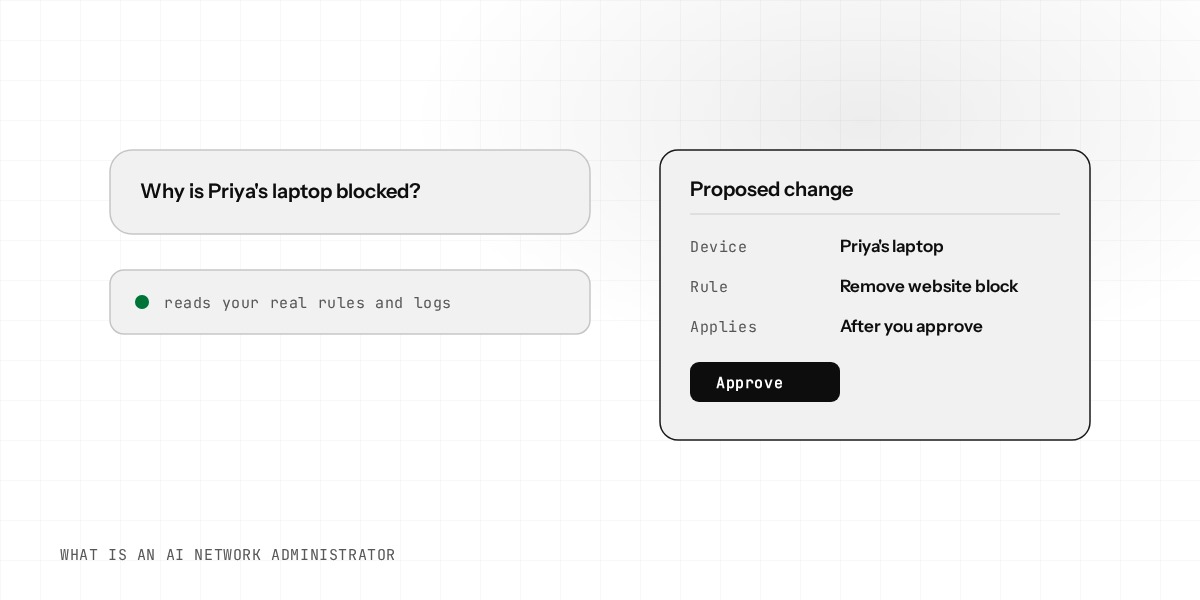
The system understands what you're asking for, figures out the necessary configuration changes, and shows you the exact rule it will create:
"I'll create a firewall rule: Guest Zone → File Server = Deny. This rule will block any traffic from your guest network to your file server's IP."
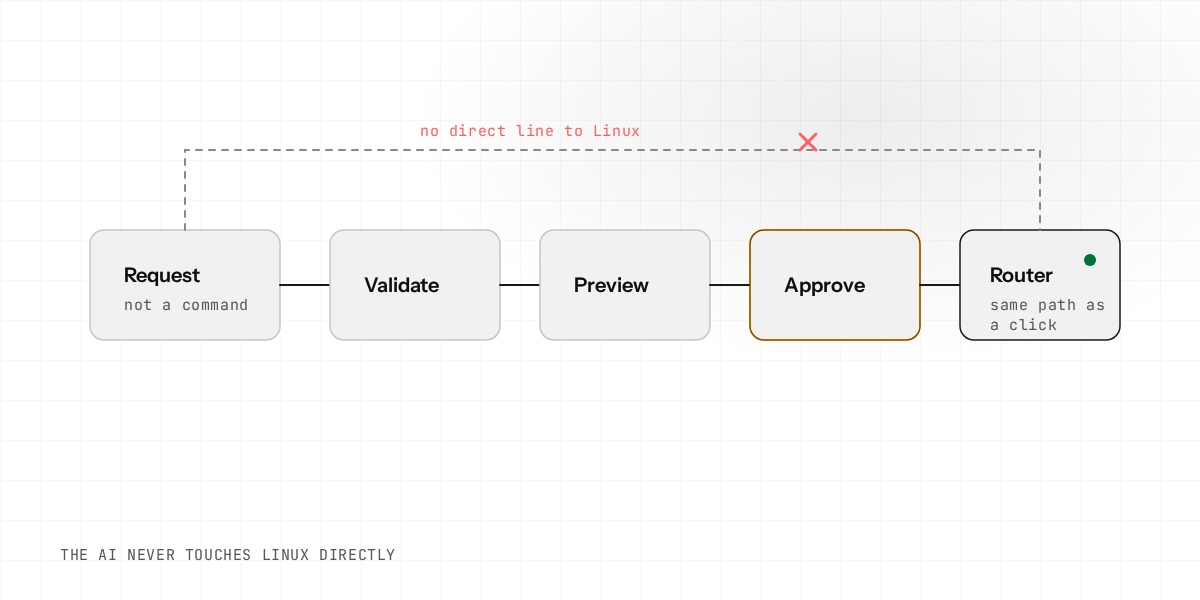
You review the proposal, and if it's right, you approve it. The change applies immediately, and a log entry records exactly what changed and why. No hunting through menus, no guessing what "enable SPI firewall" means.
What's Actually Running Underneath
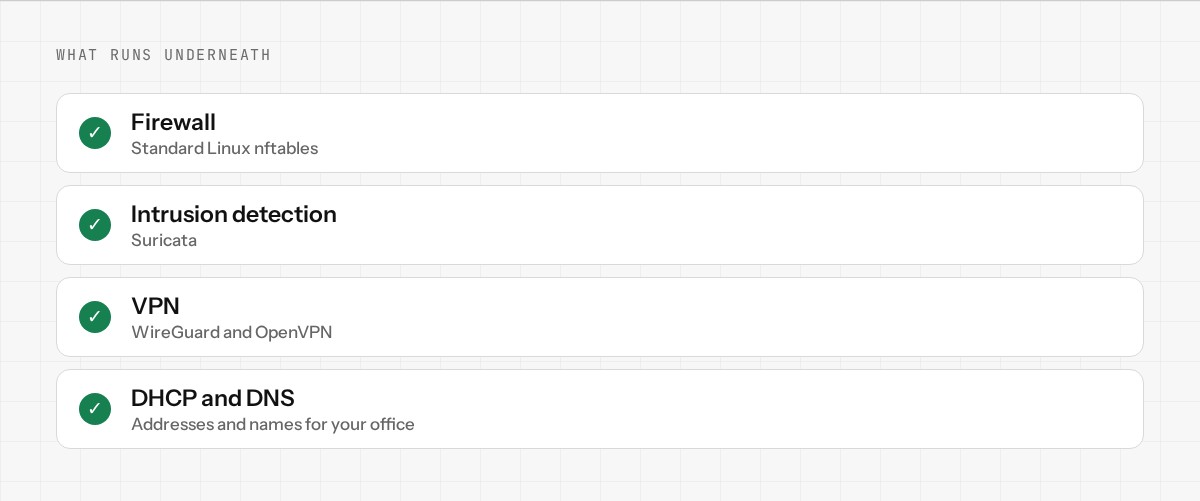
"Conversational" doesn't mean less powerful. Under the hood, a conversational network OS is running the same real networking tools a professional would configure by hand:
- •Linux kernel routing — the real internet routing layer
- •nftables firewall — modern, fast packet filtering
- •WireGuard VPN — modern, performant VPN protocol
- •dnsmasq — the lightweight DNS and DHCP server used in routers and appliances everywhere
- •Suricata IDS/IPS — intrusion detection and prevention
The conversational layer sits on top — it understands your request, translates it into the correct configuration for these real tools, and shows you what it's about to do before it does it. You get the power of enterprise-grade networking tools without needing to be a networking expert.
Why This Matters
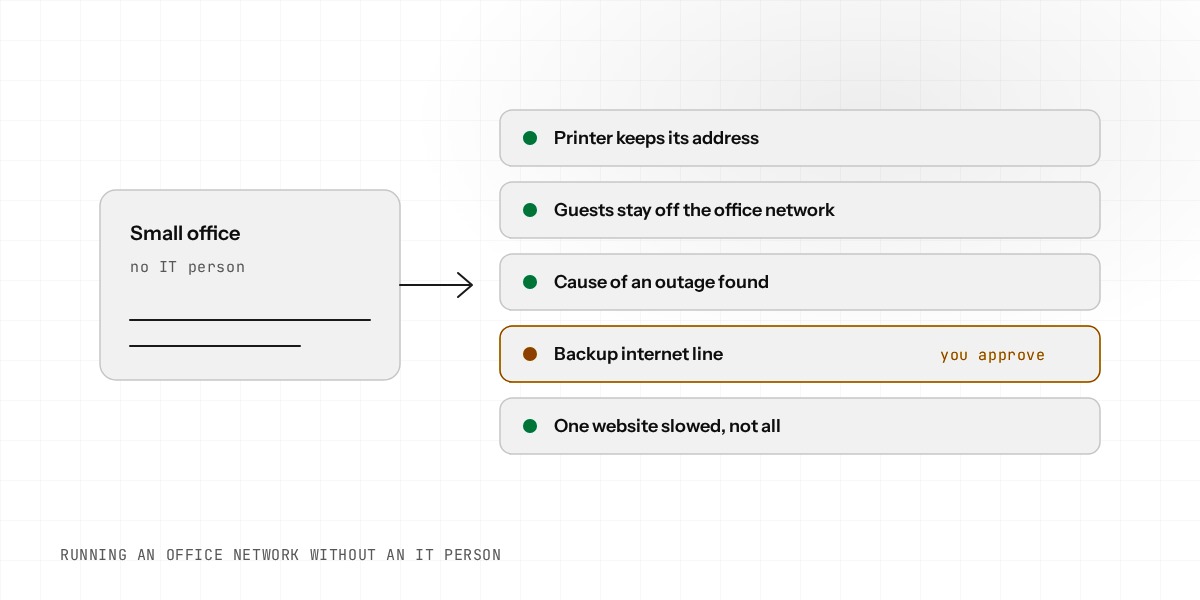
Modern networks are complex. A small office might have:
- •Multiple internet connections (failover or load-balancing)
- •Guest and corporate networks that need to be separate
- •VPN connections to cloud services or remote offices
- •Security requirements around what traffic is allowed where
Configuring all of that through traditional screens is error-prone. A conversational OS lets you describe what you want and trust the system to implement it correctly.
How It's Different From a Question-Answering Tool
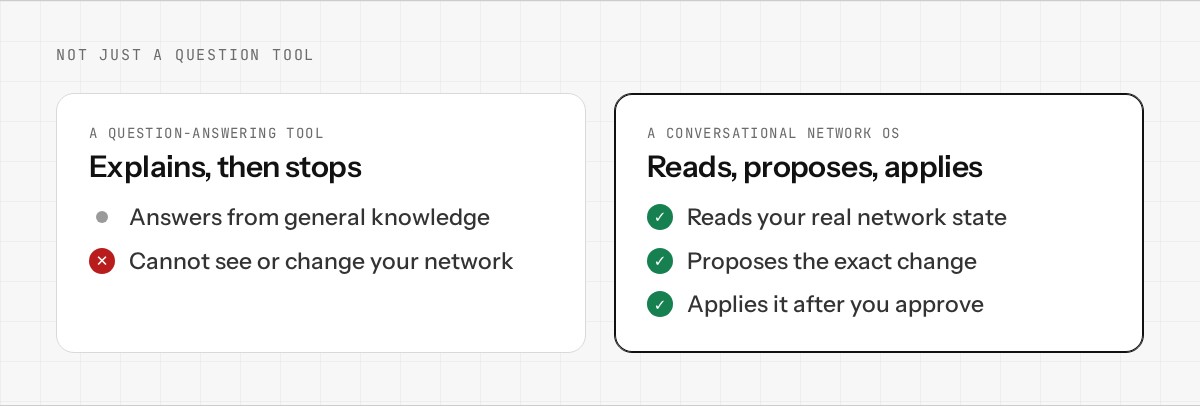
You might be wondering: isn't this just a tool that answers questions? No — there are important differences:
A question-answering tool only gives you information. A conversational network OS is deeply integrated with your actual network — it can run diagnostics, identify problems, make changes to your real configuration, and carry out the risky ones only once you approve them.
It's not guessing about your network from general knowledge. It's analyzing your specific setup, your current configuration, your traffic, and your constraints, then proposing changes based on that real data.
Getting Started
Enwigate OS is building exactly this — a network operating system where your routing, firewall, VPN, and security are managed conversationally. You talk to your network, it understands you, and it proposes the exact changes needed.
If you're interested in trying it out, join the early access list. Want to dig deeper into the architecture? Read the technical overview.