Security & Operations
How AI Can (and Can't) Safely Manage Your Firewall
Published September 9, 2026 • 7 min read
The first question people ask about AI-assisted network management is the natural one: "What if it does something wrong?" It's a fair concern. Your firewall is the line between your network and the rest of the internet. You don't want automation making mistakes there.
The answer isn't "trust the AI." The answer is guardrails — the architecture that prevents the AI from directly executing anything on your network without explicit human approval.
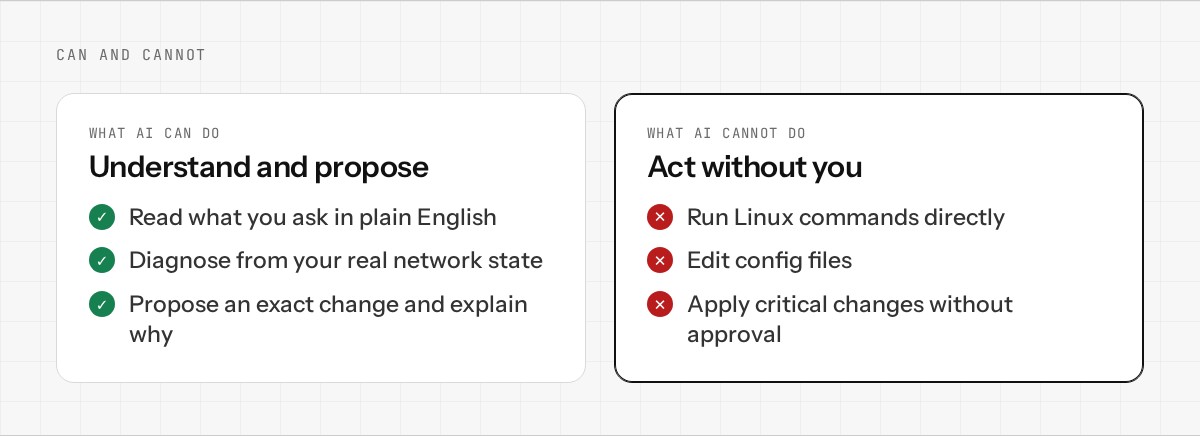
What AI Can Do
In a well-designed conversational network OS, AI can:
- •Understand what you're asking for in plain English, not configuration syntax
- •Diagnose problems by analyzing your current network state, traffic patterns, and logs
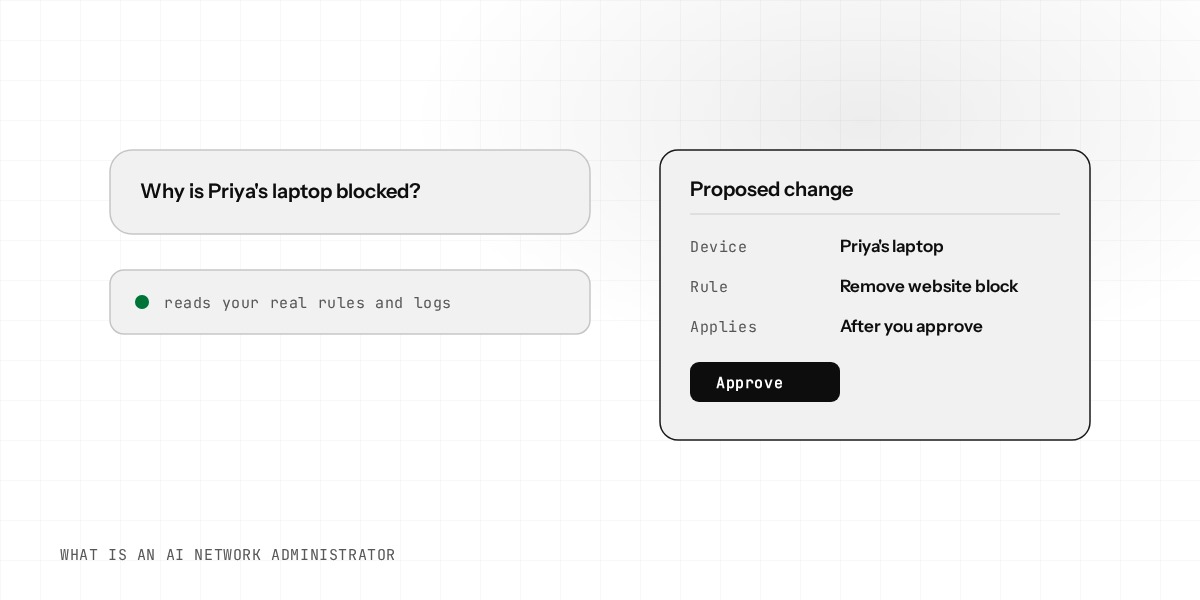
- •Propose specific changes with exact details (which rule, which interface, what traffic)
- •Explain why — "here's what's currently broken and here's how this fix addresses it"
- •Answer questions about your network without needing you to read documentation
What AI Cannot Do
More importantly, it cannot:
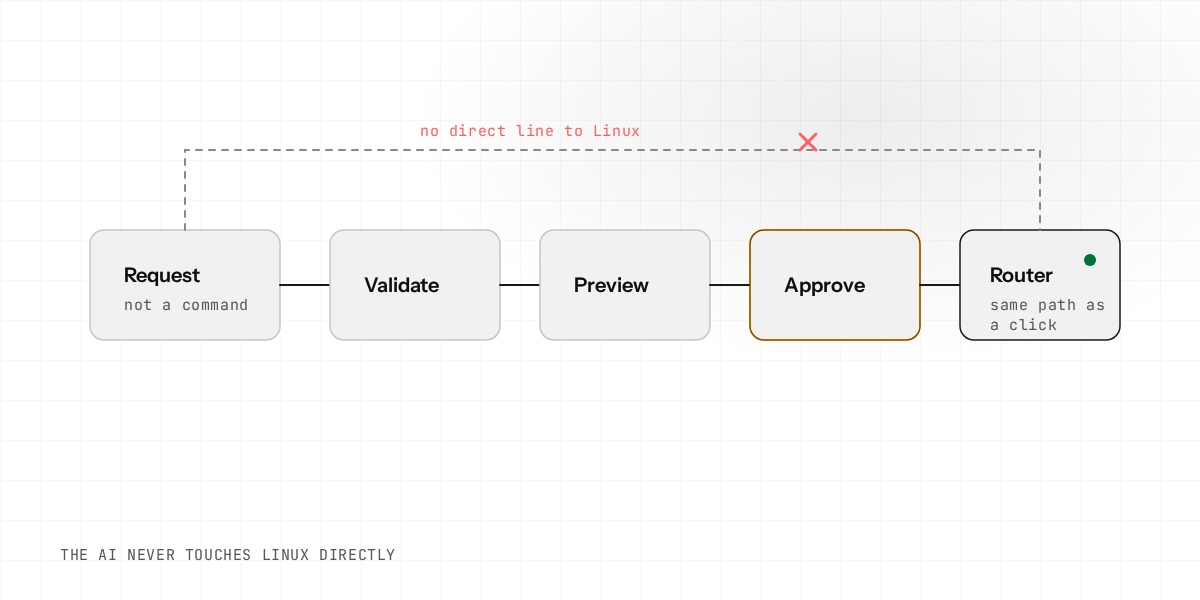
- •Run Linux commands directly — it has no access to your appliance's shell
- •Edit config files — all changes go through the same API the dashboard does
- •Execute changes without approval — critical changes require explicit human sign-off
- •Hide what it's doing — every change is logged and reversible
- •Override your decisions — you have final say on what applies
The Architecture: Approval Before Execution
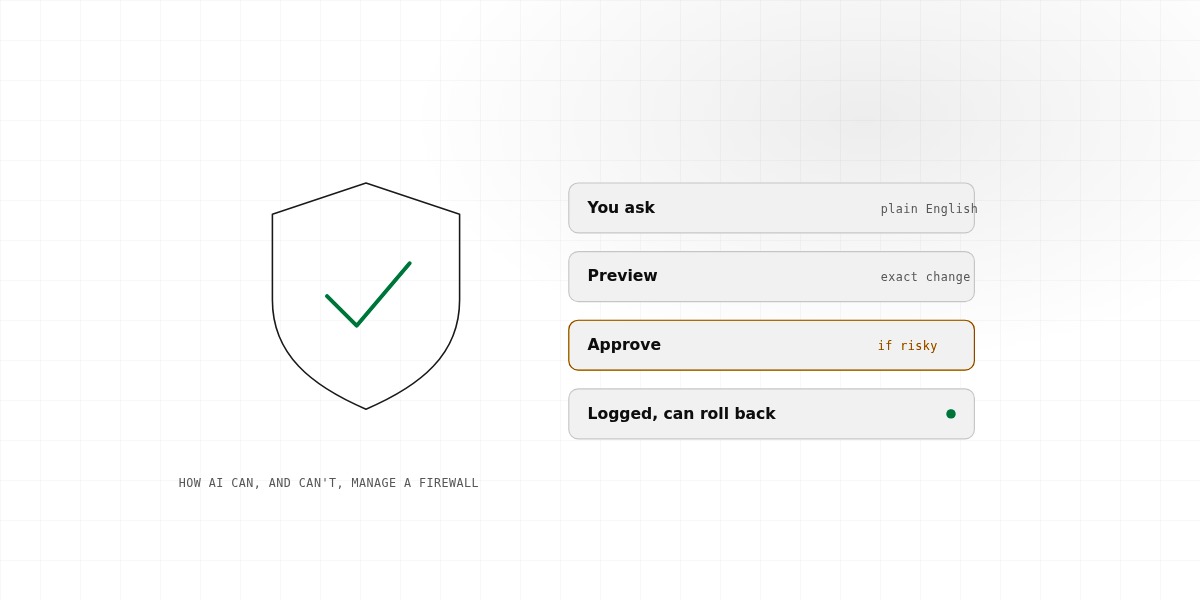
Safe AI-assisted network management has a clear flow:
Step 1: You ask
"I want to block the guest WiFi from accessing the main file server."
Step 2: AI proposes
"I'll create a firewall rule: Guest Zone → File Server = Deny. The file server is at 192.168.1.50, and the guest VLAN is 192.168.10.0/24. This blocks all traffic between them."
Step 3: You review
You see the exact rule. The IPs match your understanding. The scope is exactly what you wanted.
Step 4: You approve
You click "Apply" (or equivalent). You have explicitly approved this change.
Step 5: It applies
The system applies the rule using the same validation that a manual dashboard click would use.
Step 6: It's logged
The audit trail records: who initiated the change, what was proposed, when it was approved, and when it applied.
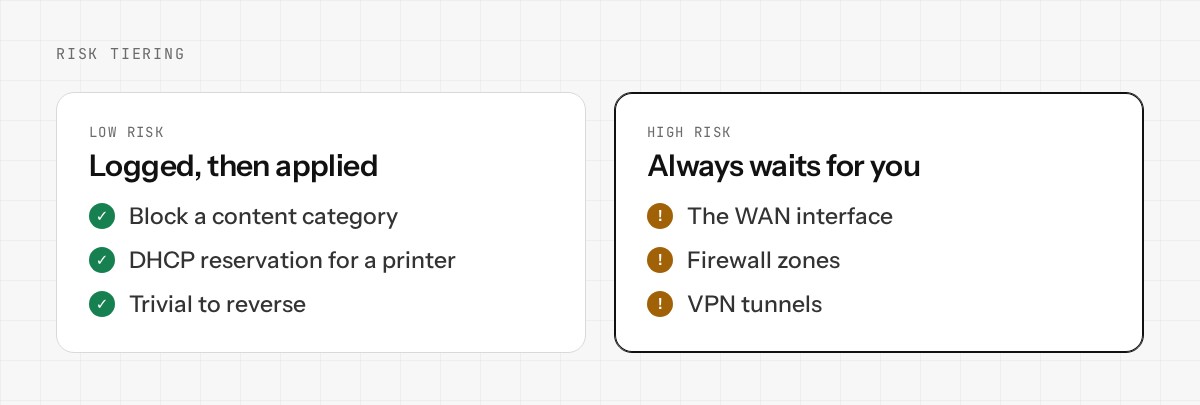
Risk Tiering: Not Everything Requires the Same Level of Approval
Different changes carry different risk levels. A good system reflects that:
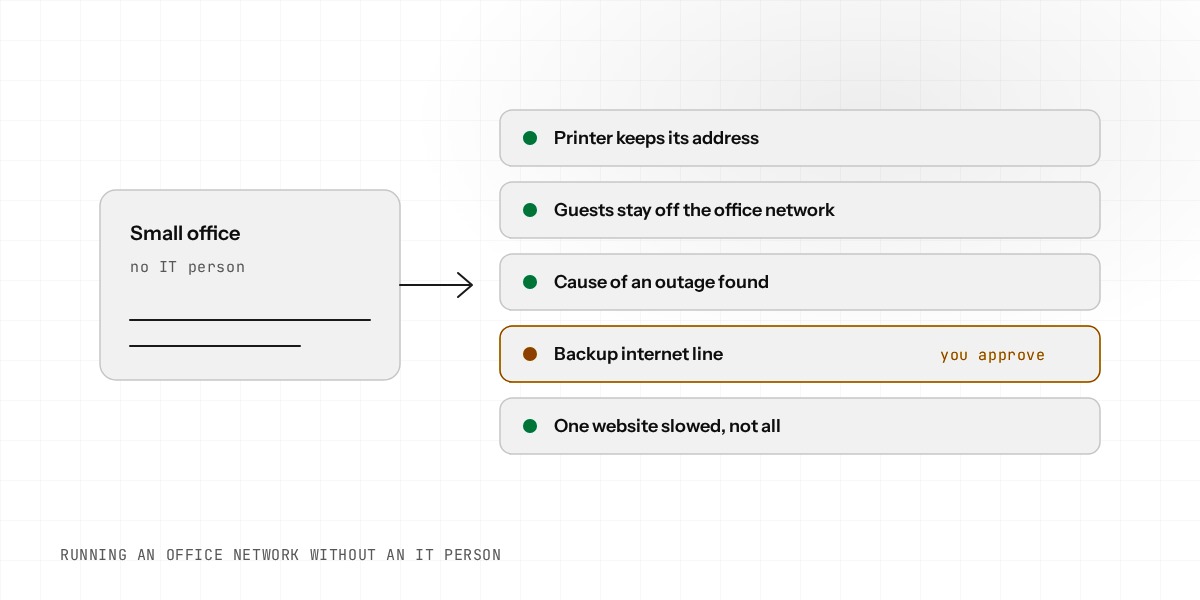
Low-risk changes (blocking a content category, a DHCP reservation for a printer) might auto-apply after being logged. You trust the system, and reversing them is trivial if needed.
High-risk changes (anything touching your WAN interface, firewall zones, or VPN tunnels) always require explicit human approval before they apply. No exceptions.
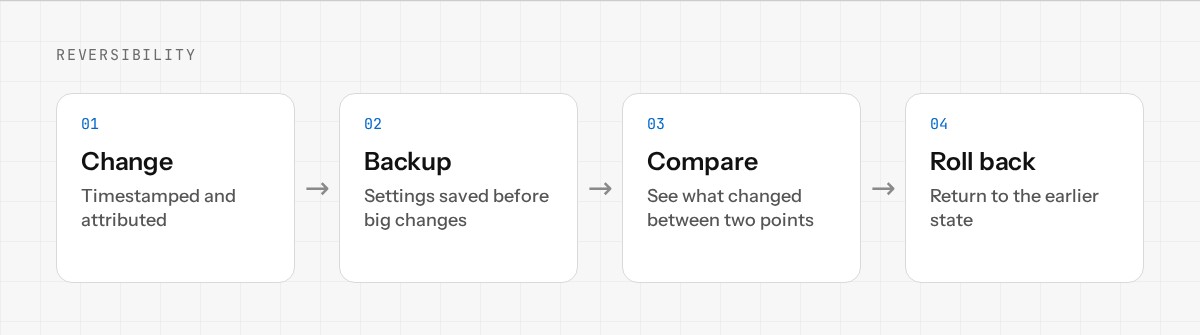
Reversibility and Rollback
Even with approval workflows, mistakes can happen. The second line of defense is reversibility:
- •Every change is in the audit trail, timestamped and attributed
- •You can roll back any change to a previous state with a single click
- •Configuration backups are automatic before major changes
- •You can see exactly what changed between any two points in time
The Real Benefit
This architecture doesn't mean AI is less powerful — it means AI is more trustworthy. You're not betting on the AI being perfect. You're betting on a clear, auditable process where you stay in control while AI handles the heavy lifting of understanding your network and proposing the right changes.
That's how you get the benefits of AI-assisted network management without the risk.
Want to see how this works in practice? Join the early access. Or read our detailed security & trust documentation.